Voice to slides: building on-brand presentations
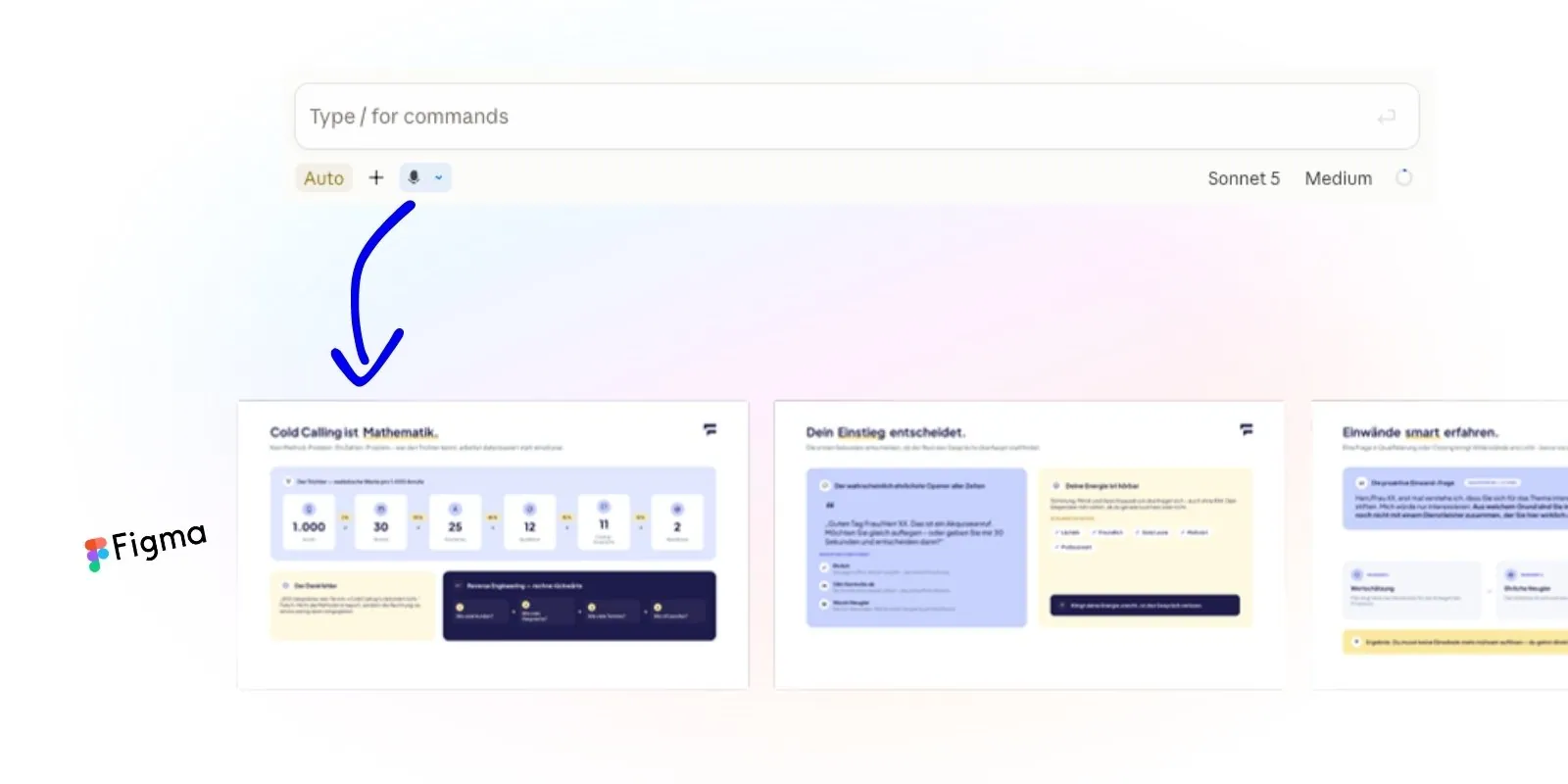
Adapting presentations eats time. So I built a simple workflow: I say what I need, and Claude builds the slide deck in Figma, in our corporate design.
The challenge
The presentation template, the slide master, lives in Google Slides or Figma. And every time someone needs a presentation, internal or external, it starts again: copy slides, swap text, adjust layouts. It takes a huge amount of time, and it is annoying.
My approach
A voice-to-slide workflow: I say what I want to show, and Claude builds the deck from it. Straight into Figma, straight in our corporate design.
The trick is in the template. It is not made of finished slides you only tweak, like a classic slide master. It is made of building blocks that describe what they are for: a slide to present a problem. One to show three solutions. One to set two things side by side. One for a process. So each slide stands for a kind of statement, not a particular piece of content. That is exactly what makes it easy for Claude to find the right block for every sentence.
How I went about it
- In Figma I set up a separate team for Claude, so Claude has all the rights it needs and cannot break anything. Open to anyone on the team who wants to work with it, of course.
- It holds the slide template with the building blocks: problem, three solutions, comparison, process and so on.
- Then I wrote a plugin for Claude. It turns voice input or text into instructions.
- Claude then builds the deck through the Figma MCP, by duplicating the template and filling in the slides it needs. Say "Then I need a comparison of our competitors and our solution", and you get the comparison slide. Explain how a process works, and you get a process slide, and so on.
The result
Presentations now come together in a fraction of the time, straight in our corporate design, because Claude works from templates in our own design.
And the best part: we skip the subscription for one of the many AI slide tools. Tools like Gamma or Beautiful.ai cost around 20–50 USD per person per month on a team plan (as of October 2026).
What I learned
It took me a few iterations to understand how Claude works best in Figma through the MCP. My learning: it pays to let Claude spend plenty of time on planning and testing at the start.